
After making a withdrawal, the platform will always provide proof of your transaction.
To view the proof of your withdrawal, follow these steps:
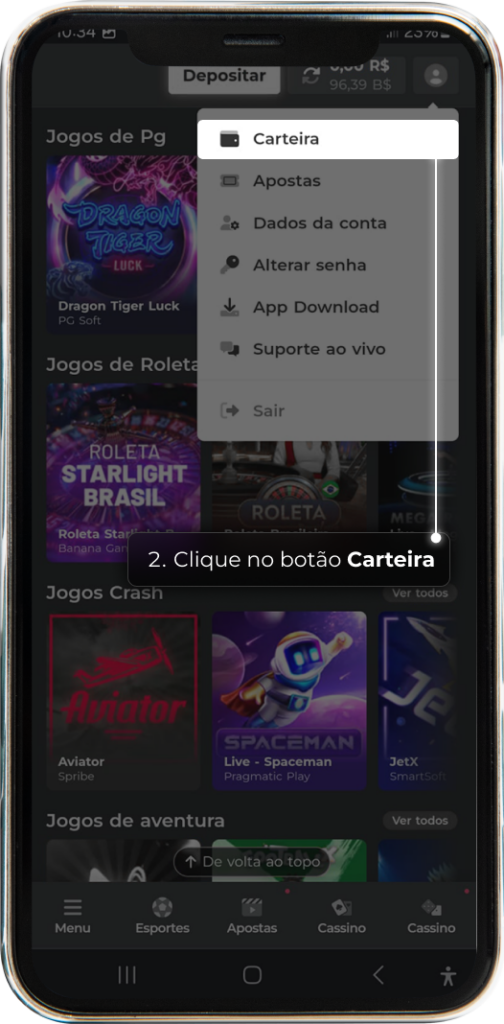
1 – Go to your account profile and click on ‘Wallet’.

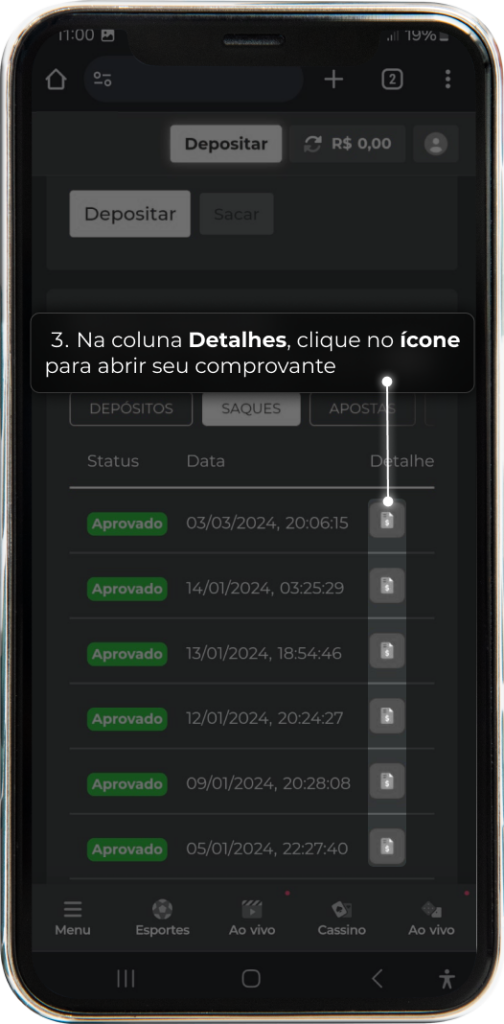
2 – In the ‘My Transactions’ area, select the period you want to check and click on the ‘Withdrawals’ tab.
3 – In the ‘Details’ column, click on the corresponding icon to open the proof.
4 – After clicking on the icon, the proof of your withdrawal transfer will be displayed.
